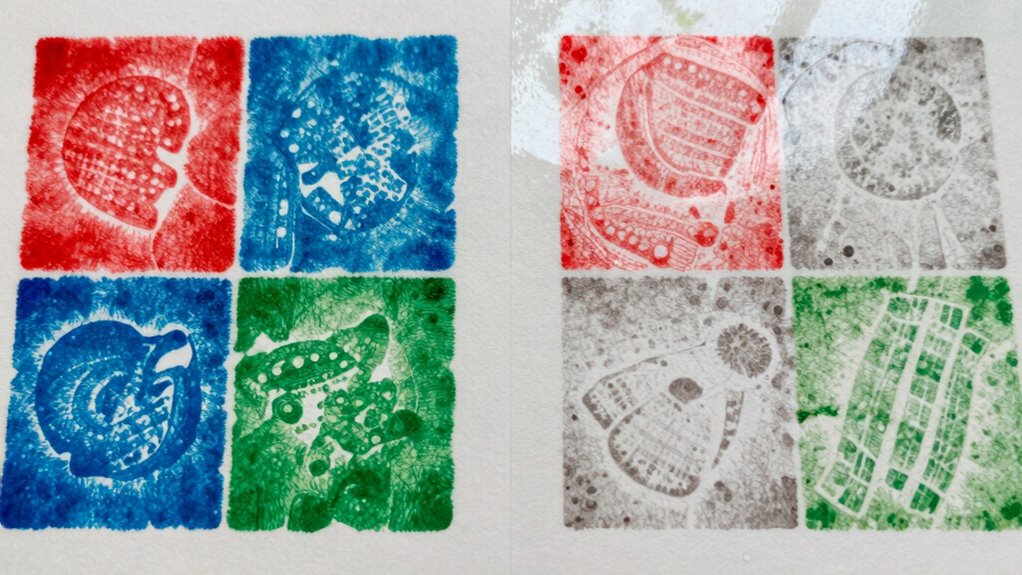
Dull edible prints often happen because of poor color management, such as uncalibrated printers and low-quality inks. When your devices and supplies aren’t matched or properly calibrated, colors appear washed out and less vibrant. Using the right color profiles and high-quality edible inks can make a big difference. If you want to learn how to achieve bright, accurate results consistently, there’s more to discover about optimizing your edible printing process.
Key Takeaways
- Dull edible prints often result from improper printer calibration and low-quality inks that reduce color vibrancy.
- Using incorrect or uncalibrated color profiles causes color mismatches and dull, washed-out appearances.
- Low-resolution images or poor surface choices can diminish color richness and sharpness in prints.
- Insufficient monitor and printer calibration lead to digital-to-physical color discrepancies, dulling final results.
- Inconsistent storage or aging edible inks can weaken color intensity, affecting print brightness and vibrancy.
Learn the Basics of Color Theory and Digital Models
Understanding color theory and digital models is essential for creating harmonious color schemes. By grasping how colors interact, you can improve your edible prints’ appearance. Focus on color contrast to make key elements stand out; high contrast draws attention, while low contrast creates subtlety. Hue harmony involves selecting colors that naturally complement each other, ensuring your design feels balanced. Digital models, like color wheels and palettes, help you visualize these relationships and test combinations before printing. Mastering these basics allows you to avoid dull, washed-out prints by choosing vibrant, well-coordinated colors. When you understand how hues work together and use digital tools effectively, you’ll produce more appealing, eye-catching edible prints that look professional and appetizing. Additionally, understanding the psychological impact of color can help you select hues that evoke the desired emotional response from viewers.
Identify Why Edible Prints Often Look Dull or Washed Out
One common reason edible prints look dull or washed out is that the colors are not vibrant enough, often due to improper printer settings or low-quality inks. This results in reduced color saturation, making the print appear faded. To troubleshoot, consider these key points:
Dull edible prints often result from poor color settings or low-quality inks, reducing vibrancy and saturation.
- Check your printer’s color settings – ensure they’re optimized for high saturation.
- Use high-quality edible inks – inferior inks cause print dullness and lack of vibrancy.
- Adjust your color profiles – aligning digital files with printer profiles boosts overall color richness.
- Additionally, understanding color accuracy and how it impacts image quality can help you achieve more vibrant edible prints. Moreover, selecting proper calibration methods can further enhance the consistency and brilliance of your prints.
Prepare Your Digital Files to Achieve Better Color Matching
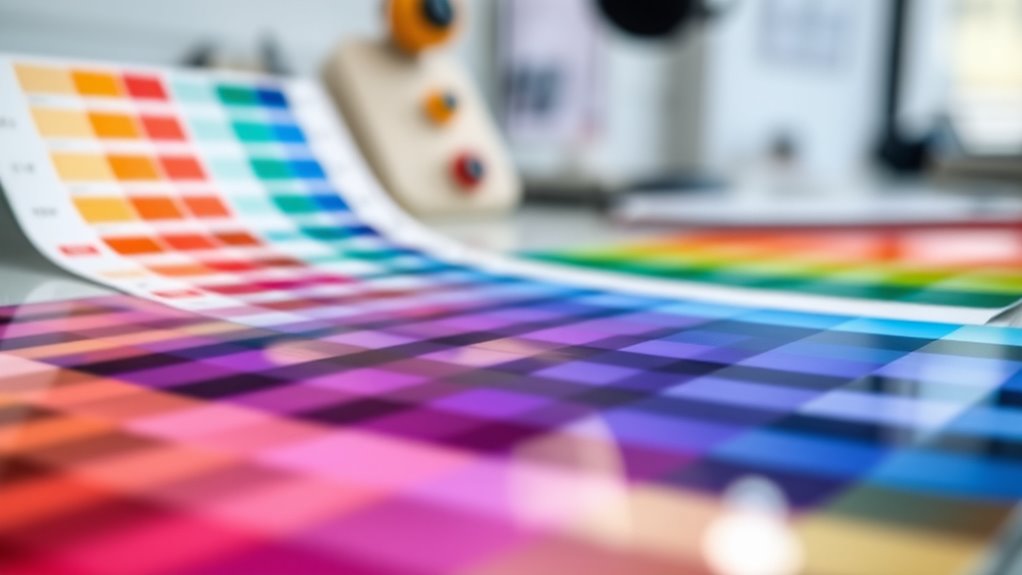
To improve color matching, start by using the right color profiles to guarantee your files display accurately across devices. Next, calibrate your screen regularly so what you see is true to life. Additionally, understanding your watering techniques can help prevent issues like color distortion in printed materials. Finally, optimize your image resolution to keep colors sharp and consistent in your prints. Vetted
Use Color Profiles
Using color profiles is essential for guaranteeing your digital files display and print consistently across different devices. They act as a bridge between your design and the printer, maintaining color accuracy. To use them effectively:
- Select the correct color space (like sRGB or Adobe RGB) for your project to match your intended output.
- Embed color profiles into your files to preserve color information during sharing and printing.
- Perform color calibration on your monitor regularly to ensure your display shows true colors, which helps in choosing the right profile.
Calibrate Your Screen
Calibrating your screen guarantees that the colors you see on your monitor are accurate and consistent, which is vital for achieving reliable color matching in your digital files. Proper color calibration ensures that your monitor displays true-to-life colors, reducing discrepancies when preparing edible prints. This step is indispensable for effective digital color management, helping you create files that match the final output more closely. Use a calibration tool or software to adjust your display’s brightness, contrast, gamma, and color temperature. Regular calibration maintains color accuracy over time. By calibrating your screen, you eliminate guesswork, making sure your digital colors reflect reality. This foundational step improves the overall quality of your prints, preventing dull or inaccurate colors in your edible designs.
Optimize Image Resolution
Once your screen is properly calibrated, the next step is to optimize your image resolution to guarantee accurate color reproduction. High-resolution images ensure sharp details and consistent ink flow, reducing color discrepancies. To achieve this:
- Use images with at least 300 DPI for clarity and ink consistency.
- Save files in a color-calibrated color space like Adobe RGB or sRGB to match your printer’s capabilities.
- Avoid resizing images after editing, as it can affect resolution and color accuracy.
These steps help maintain color calibration throughout the printing process, preventing dull or mismatched colors. Proper resolution ensures your digital files translate accurately onto edible prints, leading to vibrant, true-to-color results.
Choose the Right Printer and Supplies for Vivid Edible Prints
To get vibrant edible prints, you need a printer compatible with edible inks and suitable for your design needs. Make sure the edible ink quality satisfies industry standards for consistent, vivid colors. Also, choose printing surfaces that are safe and compatible with your printer and inks to ensure perfect results. Additionally, incorporating reliable backup power can prevent interruptions during critical printing sessions, ensuring your workflow remains uninterrupted.
Printer Compatibility Tips
Choosing the right printer is essential for producing vivid edible prints, as not all printers are compatible with edible inks or suitable for food-safe applications. To guarantee optimal results, focus on:
- Color calibration: Select a printer that supports accurate color matching and easy calibration to prevent dull or mismatched colors.
- Ink formulation: Use printers compatible with food-safe, specialized edible inks designed for consistent flow and vibrant output.
- Printer compatibility: Opt for models that handle edible inks without clogging or damage, and verify they work well with your preferred edible printing supplies.
Edible Ink Quality Standards
Ensuring high-quality edible prints starts with selecting inks that meet strict quality standards. Edible ink standards guarantee the inks are safe for consumption, preventing any health risks. These standards also assure color accuracy and consistency, which are essential for vibrant, appealing images. When choosing inks, prioritize those tested for flavor consistency so that taste remains uniform across different batches. High-quality edible inks reduce issues like fading or dullness, helping your prints look vivid and true to the original artwork. Using compliant inks not only improves the visual appeal but also maintains the integrity of your products. Additionally, selecting reliable brands known for their adherence to quality standards can further enhance your printing results. Ensuring that your inks are industry compliant helps protect both consumers and your reputation by adhering to safety and quality guidelines. Moreover, working with trusted suppliers can provide added assurance of consistent quality and compliance. Selecting inks from certified manufacturers ensures adherence to the latest safety and quality protocols, and understanding the importance of color matching standards can significantly improve the vibrancy of your edible prints.
Suitable Printing Surfaces
Selecting the right printing surface is key to achieving vibrant, high-quality edible images. Your choice of edible surface impacts color consistency and image vividness. To guarantee the best results:
- Use smooth, non-porous surfaces like fondant or glossy icing sheets for sharp, bright prints.
- Avoid rough or textured surfaces that can distort images and dull colors.
- Opt for high-quality, specifically designed edible paper to enhance color accuracy and vibrancy.
Choosing the correct surface ensures your edible prints look vivid and professional. A suitable edible surface improves color consistency by reducing absorption or bleeding, which can cause dullness. Always match your printer and supplies with the surface for optimal results, preventing dull, washed-out images.
Calibrate Your Printer and Manage Colors Effectively
Calibrating your printer is essential for achieving accurate color reproduction and ensuring your prints match your expectations. Proper color calibration aligns your printer’s output with standard color profiles, reducing discrepancies between what you see on screen and what you print. To manage colors effectively, use color management tools and software that allow you to create custom profiles tailored to your printer, ink, and paper. Regular calibration helps maintain consistent results over time, preventing dull or off-color prints. Always start by calibrating your monitor first, so your digital workspace reflects true colors. Then, calibrate your printer to fine-tune its output. This process guarantees your edible prints display vibrant, accurate colors, making your final product more appealing and true to your original design. Incorporating color management tools into your workflow can further enhance color fidelity and consistency. Utilizing proper calibration procedures can also help prevent common issues like dullness or color shifts over time, especially when you include spectrophotometer calibration for precise color measurements.
Use Techniques to Make Edible Prints More Vibrant
To make your edible prints more vibrant, start by choosing the right type of edible ink and high-quality printing materials. Enhancing vibrancy relies on techniques that improve color harmony and pigment blending. Here are three tips to boost your print’s brightness:
- Use complementary colors to create contrast and depth, making images pop.
- Blend pigments carefully to achieve smooth gradients and avoid dull patches.
- Adjust color saturation settings in your printer’s software to intensify hues without oversaturating.
- Incorporate a clean environment and proper maintenance of your equipment to ensure consistent, high-quality prints. Regularly calibrating your printer and using professional-grade supplies can also help maintain optimal color vibrancy and prevent dullness.
- Keep an eye on your air quality to prevent dust and contaminants from affecting your printing process, ensuring your colors stay vibrant and clear. Maintaining a proper flushing mechanism in your printing setup can also help prevent ink clogs and ensure smooth ink flow, contributing to consistent, vibrant results. Additionally, ensuring your printer’s wiring basics are correctly set up can prevent electrical issues that affect print quality.
Troubleshoot Common Color Matching Problems in Edible Printing
When color mismatches occur in edible printing, identifying the root cause is essential for effective troubleshooting. First, check if the colors are blending properly; poor color blending can lead to dull or inaccurate hues. Adjust your printer’s color settings or ink levels if needed. Next, focus on hue adjustment—small tweaks to the color balance can considerably improve color accuracy. Use test prints to fine-tune these adjustments before printing your final design. Be sure your monitor calibration matches the printer profile to avoid discrepancies. Also, verify that your edible inks are fresh and correctly stored, as expired or inconsistent ink can cause color issues. Regular maintenance of your printer can help prevent color degradation and ensure consistent results. By systematically addressing color blending and hue adjustment, you’ll resolve common color matching problems and achieve more vibrant, true-to-design edible prints.
Get Consistent, Professional-Looking Edible Prints Every Time
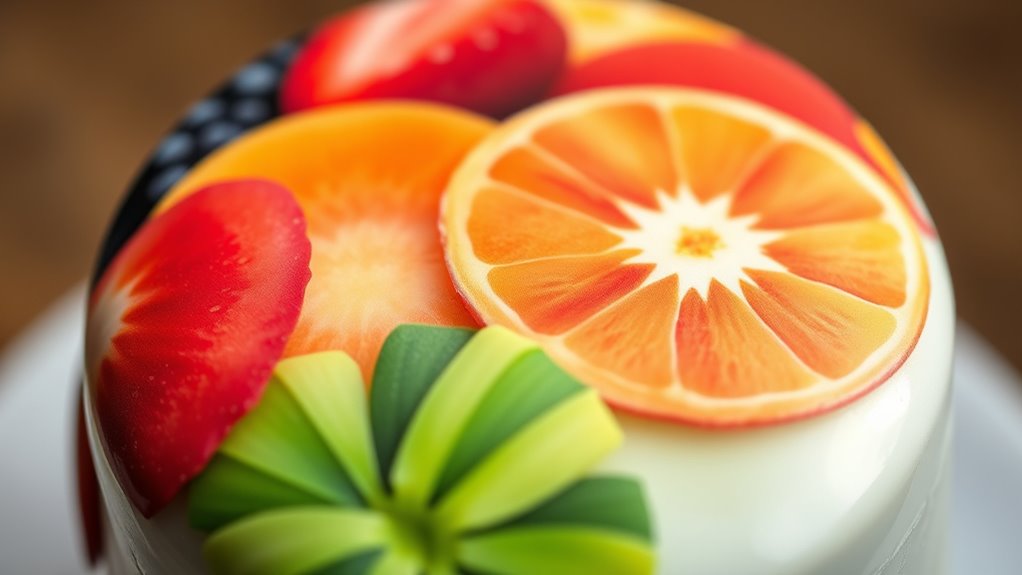
Achieving consistent, professional-looking edible prints hinges on establishing a reliable printing process and maintaining proper equipment. To guarantee top results, focus on:
Consistent edible prints require reliable equipment, proper calibration, quality inks, and careful handling.
- Regularly calibrate your printer for accurate color matching, which enhances flavor and visual appeal. Proper calibration ensures that colors stay true and vibrant over time, avoiding dull or mismatched prints.
- Use high-quality edible inks and substrates to improve texture and prevent dull prints.
- Implement proper storage and handling to maintain ink consistency and prevent color fading.
- Incorporate outdoor wisdom principles by understanding how environmental factors like humidity and temperature can affect ink performance and print quality. Being mindful of environmental factors can help you adjust conditions to preserve color integrity and print sharpness. Additionally, understanding color management techniques can significantly improve your ability to produce vibrant, consistent images.
These steps help you produce vibrant, appetizing images that look professional every time. Consistent settings and routine maintenance also reduce color mismatches and dullness, ensuring color matching stays precise. By paying attention to flavor enhancement and texture improvement, your edible prints will not only look appealing but also taste better, leaving a lasting impression.
Frequently Asked Questions
Can I Use Standard RGB Colors for Edible Printing?
You can’t rely solely on standard RGB colors for edible printing because digital color conversion is necessary to match the vibrant hues you see on screens. Edible ink limitations mean colors often appear duller than expected, so it’s crucial to adjust your colors accordingly. Use professional color profiles and test prints to ensure your edible images look lively and true to your design, overcoming the constraints of edible ink and digital conversion.
How Does Paper Type Affect Color Vibrancy in Edible Prints?
A picture is worth a thousand words, and paper type truly impacts your edible print’s vibrancy. You notice duller colors on more absorbent paper because ink seeps in, reducing brightness. Smooth, glossy textures minimize ink absorption, boosting color vibrancy. So, choose your edible paper wisely—glossy or coated options deliver richer, more vivid results, while textured or matte papers might dull your colors.
Are There Specific Color Profiles Recommended for Edible Printing?
For ideal edible print color management, you should use specific color profiles designed for your printer and edible inks. Make sure to perform color profile calibration regularly to maintain accurate color reproduction. Using a color profile calibrated for edible printing helps ensure vibrant, true-to-life colors. This calibration minimizes dullness and enhances overall print quality, giving your edible images the vivid appearance you desire.
Can Ambient Lighting Influence How My Edible Prints Appear?
Yes, ambient lighting and color can greatly influence how your edible prints appear. Poor or uneven lighting conditions can make prints look dull or washed out, while warm or natural light often enhances vibrant colors. Keep your workspace well-lit with neutral or daylight-balanced ambient color to see true colors. Adjusting your lighting conditions ensures your edible prints look as vivid and appealing as intended, avoiding dull or muted appearances.
What’s the Best Way to Store Edible Prints to Preserve Color Quality?
To safeguard your edible prints’ color quality, store them in a cool, dry place away from direct sunlight. Use airtight containers or resealable bags to prevent exposure to air and humidity, which can cause color fade. Keep prints flat and avoid stacking to prevent smudging or damage. Following these storage tips helps prevent color fade and ensures your edible prints stay vibrant and fresh for longer.
Conclusion
By mastering color matching, you turn your edible prints from dull whispers into vibrant stories on your treats. Think of your printer as an artist’s brush, and proper calibration as the palette that brings your vision to life. With the right techniques and tools, your edible images will shine like a masterpiece, mesmerizing everyone’s eye and taste buds. Keep experimenting and refining — soon, your creations will be as lively as a garden in full bloom.